What a drinking window tells you
A drinking window is an estimated span of years in which a wine may be enjoyable. It is not an expiry date or a guarantee of peak quality. The producer, vintage, bottle format, storage history and your own taste all affect how useful that estimate will be.
If you enjoy youthful fruit, you may prefer to open a wine earlier than someone who likes mature flavours. Different drinking windows can reflect different tastes.
Where the dates come from
Look for guidance that identifies the actual producer, wine and vintage, such as a producer note or a merchant assessment. Check whether the bottle has been stored as expected. If you only have general guidance for a region or grape, record that limitation.
In SmartCellar, open a wine to read its Drinking window. On the website, Edit details → Preferred drinking year records the year you aim to open it; save the source and reason in Notes. When adding bottles after a mobile scan, Cellar drink from and Cellar drink until let you record a personal range. Suggested or generated dates deserve the same review as any other estimate.
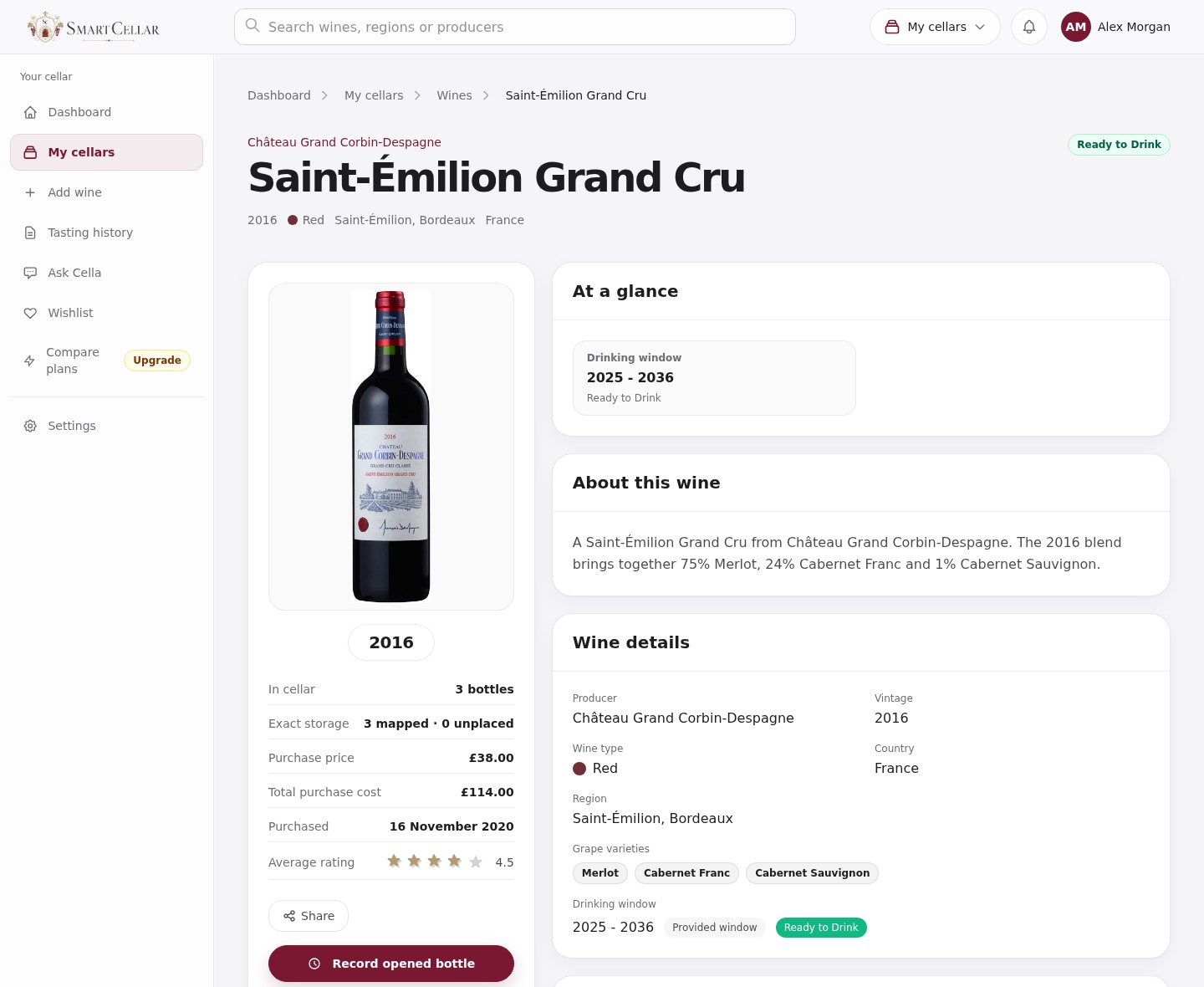
An example drinking window
Suppose a wine has a suggested window of 2026–2032 and you own six bottles. Keep the source of the dates in your notes. Tasting one bottle can help you decide when to open the remaining five.
Write down what you actually noticed: whether the fruit seemed fresh, the structure firm, and whether the wine became more enjoyable with time in the glass. Include the tasting date and whether you would prefer the next bottle now or later.
If it tastes too young for you, you might choose 2027 as your Preferred drinking year on the website and note that you want to reassess it then. A preferred year does not overwrite the profile’s suggested start and end dates.
Storage and bottle variation
If the storage history is unknown, do not assume a distant end year guarantees that a bottle will improve. A single disappointing bottle also does not prove that every remaining bottle is identical. Note what is unknown and consider checking another bottle when appropriate.
For a single remaining bottle, opening it is a different decision from sampling one of twelve. Consider the occasion, your taste and your willingness to wait alongside the dates. No app can inspect the contents of a sealed bottle.
Find the relevant bottles in SmartCellar
Open the cellar’s Collection → Filters. Under Drinking window, choose Ready to drink and At peak, then Apply filters. Open a wine to compare the dates with its quantity, location and tasting history. Clear filters afterwards if you want to see the whole cellar again.
Use drinking windows and save your preferred year →Record an opened bottle and a tasting note →
Review the ready list regularly
Look over approaching and current windows when planning meals or reviewing the cellar. Check quantity and location, choose a bottle, then use Record opened bottle to save the note and update the count together. Revisit personal dates when new evidence changes your view.
Your note will be available when you next choose a bottle of the same wine.
- Check the wine and vintage.
- Record the estimate and source.
- Review storage and your own preferences.
- Taste, record the remaining count and revise only when justified.