Your wine collection
Search by wine, producer or region, and filter by vintage, grape or drinking window. See how many bottles you have and where you keep them, on your phone or in a browser.
See the cellar appKeep track of your bottles, find wine for dinner and remember what you enjoyed. Here is what the app includes.
Available on the web, iPhone and Android.
Search by wine, producer or region, and filter by vintage, grape or drinking window. See how many bottles you have and where you keep them, on your phone or in a browser.
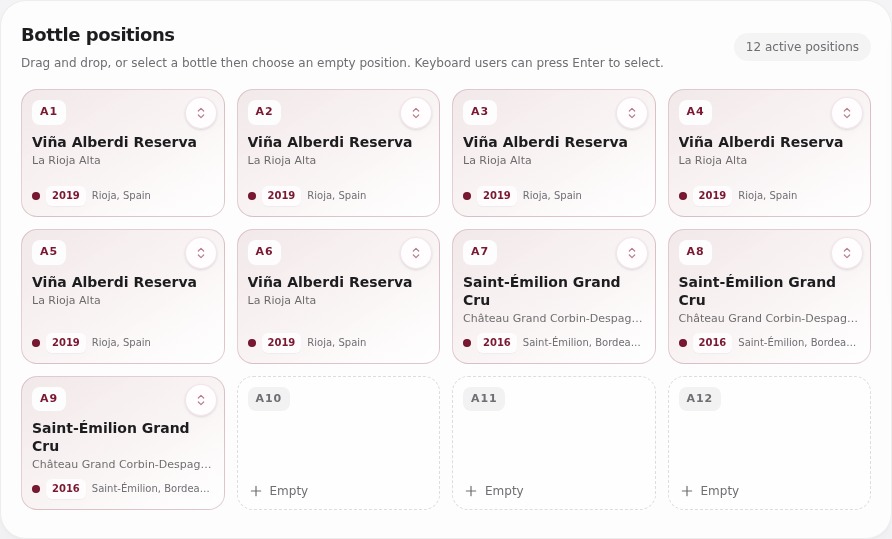
See the cellar appMap the rows and columns of your racks, give each bottle its own position and see where there’s room for more wine. Move bottles between racks or fridges as you rearrange the cellar.
Map your cellarPhotograph the label and discover more about the bottle. SmartCellar draws on our wine database and researches producers, merchants and published wine writing. Grapes, tasting notes, food pairings and drinking guidance come together, with critic scores and awards where available.
From label to wine profileKeep the date, merchant and price for each purchase, including repeat orders of the same wine. See what you paid for the bottles you still have, alongside estimated retail prices where available.
Keep track of purchasesInvite someone to browse your cellar or help look after it. You can also share a link to a single wine or tasting note, keeping the rest of your collection private.
Share your cellar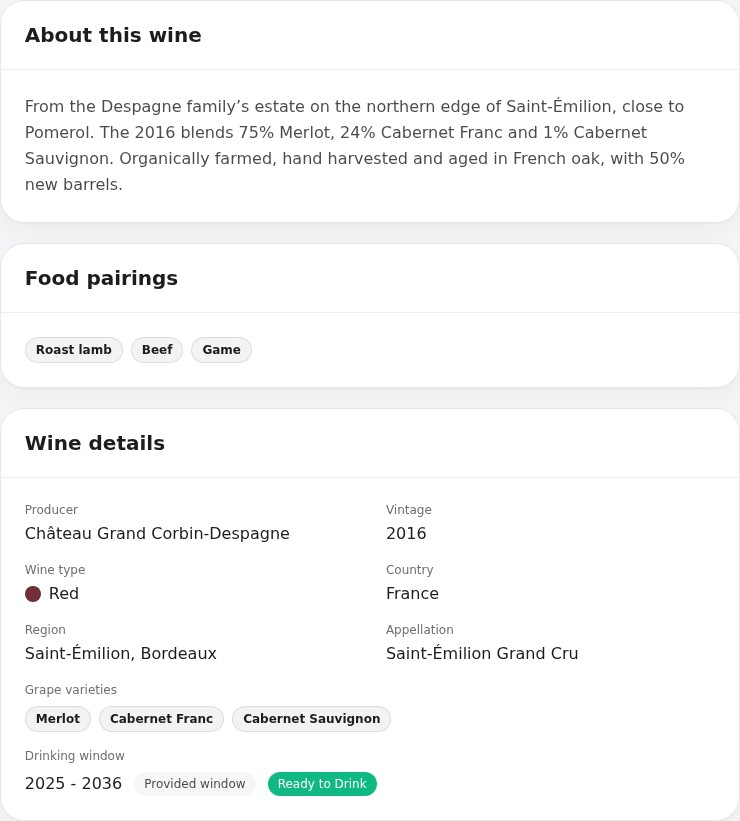
Cella knows your collection, your preferences and the wines you rate highly. Ask her what to open with dinner, whether to decant it or what you might enjoy trying next.
Meet CellaPhotograph the wine list for suggestions that suit your food, your taste and what you’d like to spend.
Choosing from a wine listFind wines that are ready to enjoy and set your own drinking dates as you taste them. Choose email reminders and a weekly cellar summary to keep an eye on bottles you’re saving.
See what’s ready to drinkExplore your collection by region, grape, colour and vintage. See which wines you’ve rated highly and how many bottles you’ve added and opened. Premium and Collector also include AI insights based on your collection.
Explore your collection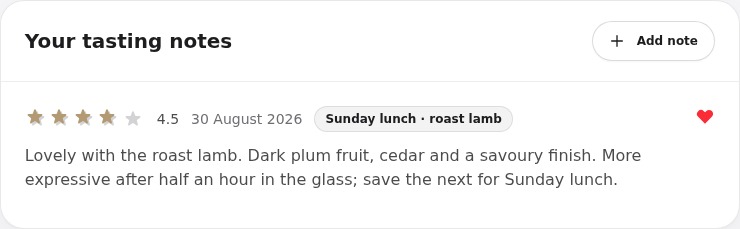
Keep a few words about a good bottle, or write a fuller note on its appearance, aromas and flavour. Add a rating, photograph and occasion; recording an opening also updates the bottle count.
Keep a tasting journalSave wines you’d like to try and group them for a birthday, a dinner or a trip. Keep notes on where you found them, then add them to your cellar when you buy them.
Plan your next bottlesDownload a copy of your wines, rack positions, tasting notes and wishlist from Settings, in CSV or JSON format.
Download your cellar dataStart with the wine, quantity and storage location. You can add purchase details, drinking windows and tasting notes later.
Yes. Cella, bottle profiles, and restaurant wine-list scans are included on every plan. Paid plans provide larger monthly allowances.
Yes. You can invite somebody to view the cellar or help maintain it, while each person keeps their own account.
One cellar and up to 50 bottles. No card required.